Nothing goes live without your yes
Every change gets its own preview link, and GitHub blocks direct changes to your live site. Your AI never invents a price: the numbers on your site are the ones you gave it.
Open source · For small businesses
A professional website for your small business, for about $12 a year. You change it by talking to the AI you already use, Claude or ChatGPT. It sends a preview to your phone. Say “ship it” and a minute later, your website is updated.
Free and open source. About two hours to set up, and you can do it yourself.
Today 9:40 AM
Change our Saturday hours to 7 to 1.
Done. Here’s your preview. Nothing is live until you say so.
Maple Street Bakery
Hours
Mon to Fri6:30 AM to 2:00 PM
Saturday7:00 AM to 1:00 PM
SundayClosed
A morning on Main Street
Every update is the same three moves: one message, a look at the preview, and “ship it.” Nobody on this street opened a page builder or waited on a developer.
11:15 AM6 of 6 sites updated
How it works
In plain words, typed or spoken: “Change our Saturday hours to 9 to 2.” With a voice note, your AI says back what it heard before it changes anything.
Your AI sends a link. It’s your real website with the change, on your phone. Not quite right? Say what to change.
Your live website updates in about a minute. On ChatGPT it’s two taps: Create PR, then Squash and merge.
Changed your mind? Say “undo that.” Your AI takes it back right away if it was the latest change, or with a quick preview if newer changes went live after it.
What it costs
Your domain name is the only part of your website that costs money: about $12 a year, usually $10 to $15 depending on the ending. Hosting, security, visitor stats, email forwarding, and the contact form all run on free plans.
Nothing bills by usage, so nothing can run up a surprise charge. The one other cost is the AI plan you update it with, which many owners already pay for.
Domain name~12.00
yourbusiness.com, renews yearly
Hosting + security0.00
Visitor stats0.00
Email forwarding0.00
Contact form0.00
Spam protection0.00
Page builder fee0.00
Developer on retainer0.00
WEBSITE, PER YEAR~$12
Your AI plan, per month~$20
Claude Pro or ChatGPT Plus. Many owners already pay for one.
Billed by usageNONE
THANK YOU. COME AGAIN.
Yours to keep
Every change gets its own preview link, and GitHub blocks direct changes to your live site. Your AI never invents a price: the numbers on your site are the ones you gave it.
Your GitHub, your Cloudflare, your domain. Switch AIs, or stop using Main Street, and your site keeps running. Nothing phones home.
Say “run the monthly checkup” and your AI looks for old hours, tired photos, and broken links, then suggests fixes. Nothing changes without your yes.
What you get
Fast, accessible, and plain HTML underneath, with a starting point for your kind of business and four color themes. If the contact form’s one key is ever missing, the form steps back to your email address and the page never breaks.
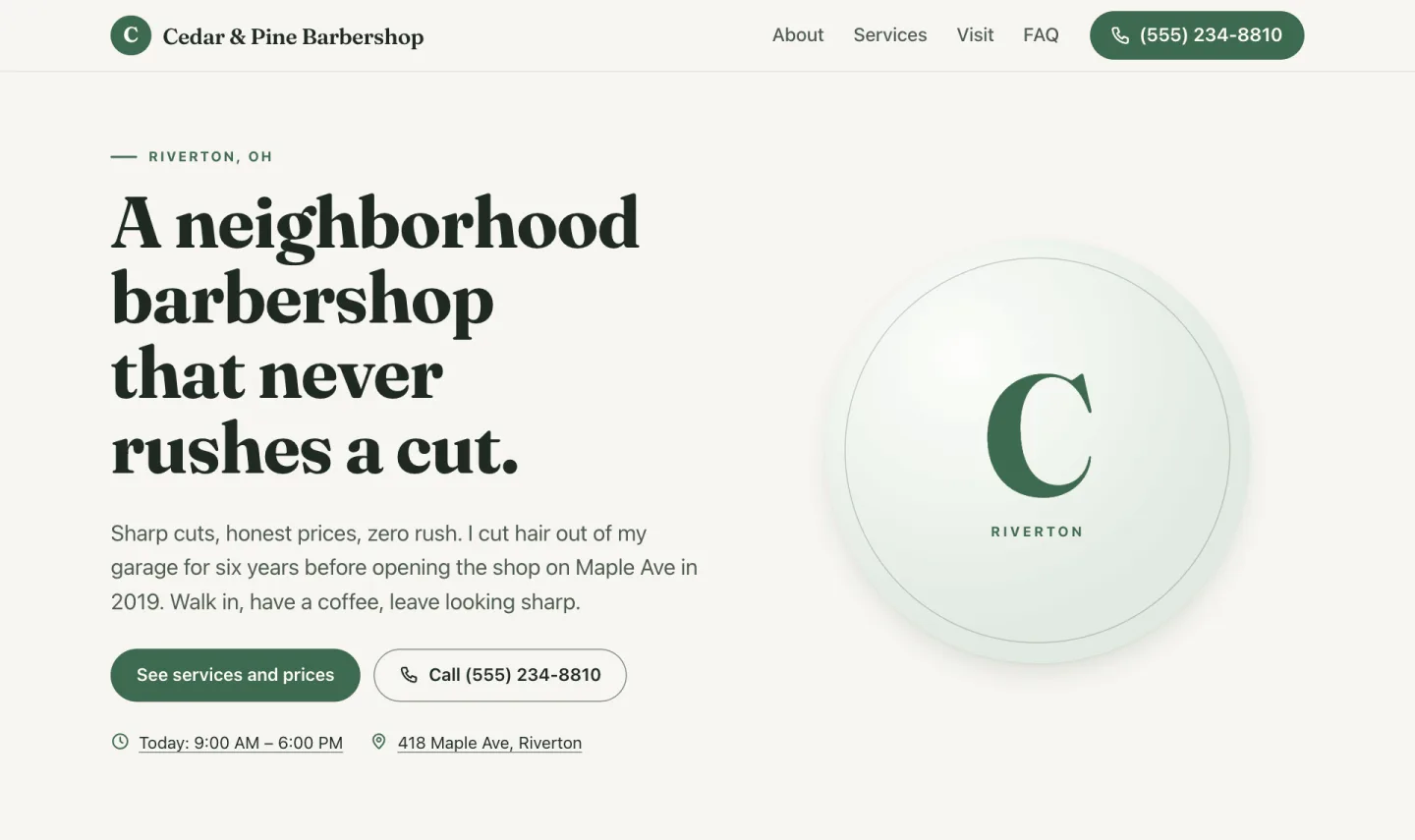
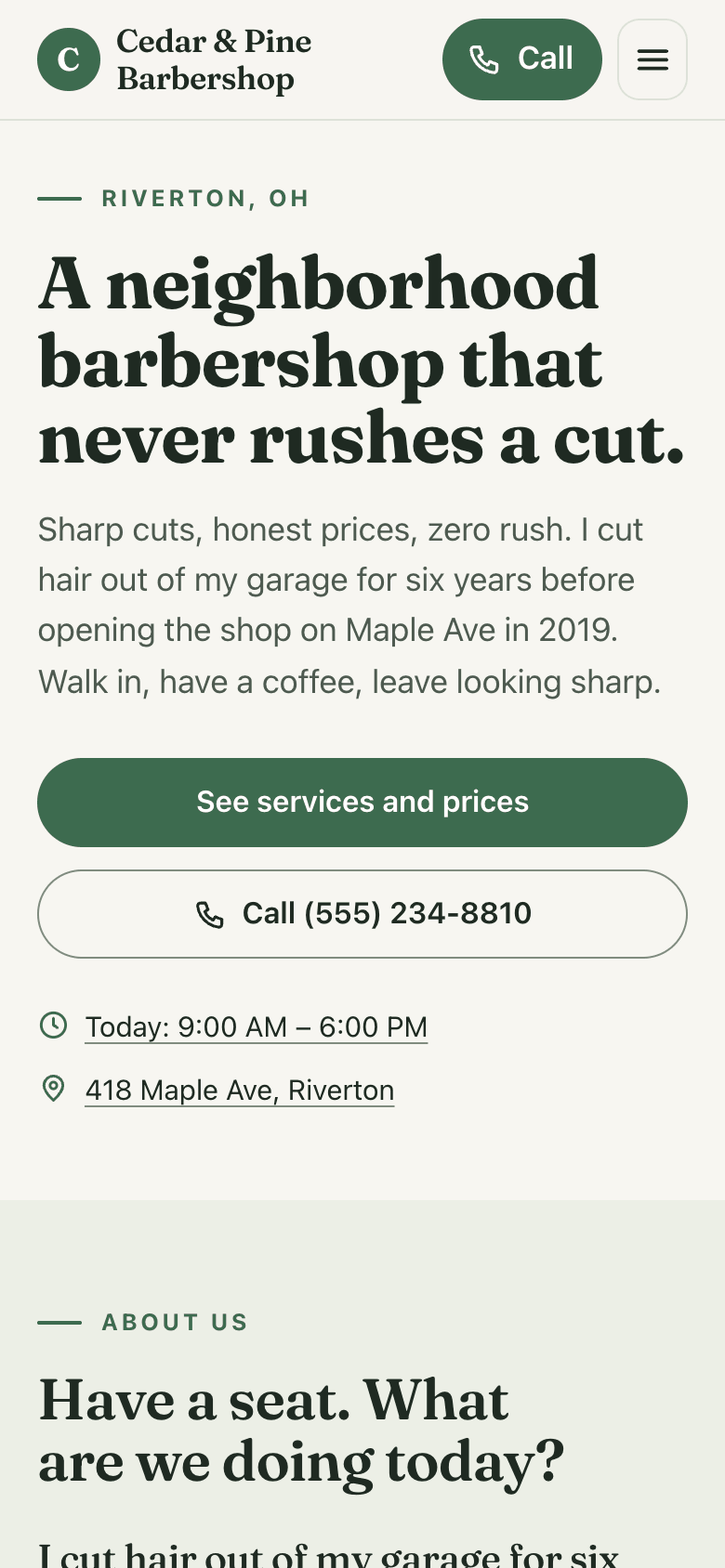
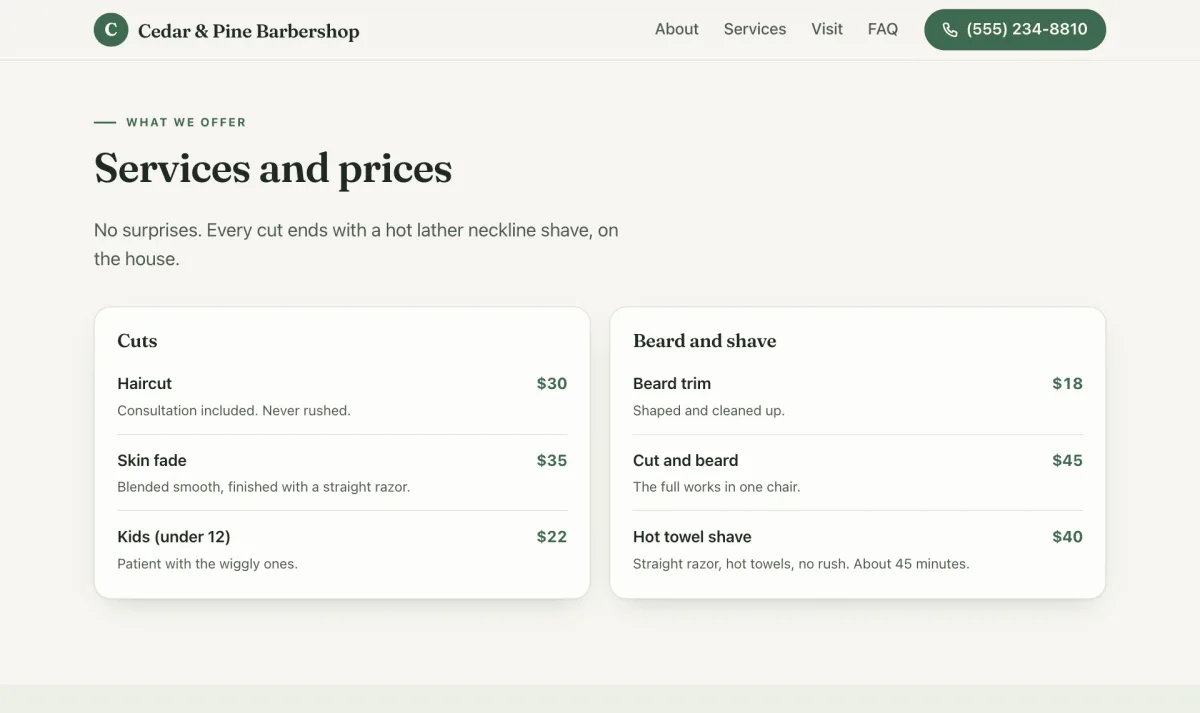
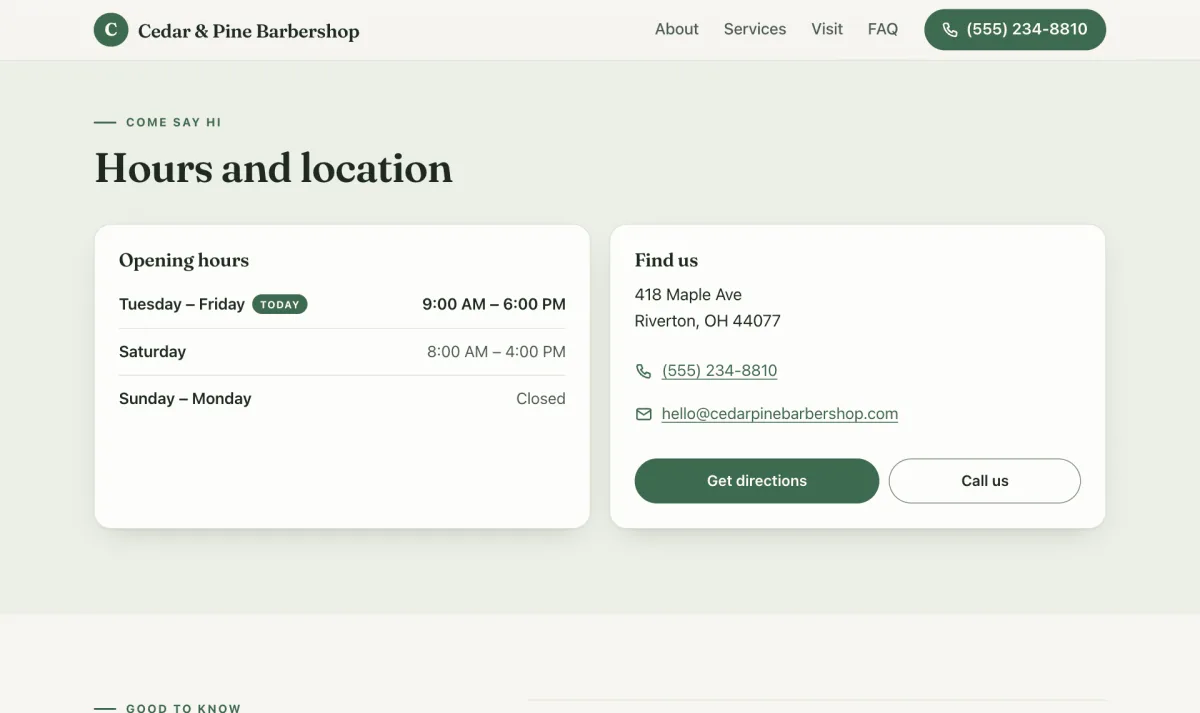
Real screenshots of Cedar & Pine Barbershop, the made-up shop Main Street was built and tested with. Not mockups.
Setting it up
You and your AI, with a checklist so you can stop and pick up later. From step 4 on, your AI leads and tells you what to click. A helper is welcome, but nobody technical is needed.
Two sittings work well: steps 1 to 4 one day, 5 to 7 another. Your own domain, business email, and the contact form come later, when you’re ready.
On a free AI plan? There’s a slower path where you do the clicks.
For helpers and agencies
Freelancers, agencies, the tech-savvy friend: set the site up in the owner’s own accounts, hand over the loop in a ten-minute demo, and stop being their webmaster for every hours change.
One command scaffolds a new site from a terminal, and the owner’s AI reads the same manual yours does.
Don’t charge for the template. It’s free and public. Charge for your judgment.
I made Main Street at VedaStack, and I’m glad to help. Want a hand setting one up, or want to bring Main Street to the businesses you work with? Let’s talk.
Set one up with meNo. If you can send a text message, you can run this website. Setup takes about two hours, much of it waiting, and your AI walks you through every click. Send it a screenshot whenever you’re unsure.
Claude Pro or ChatGPT Plus, about $20 a month. Either works, and both follow the same rules inside your site. The one difference you’ll notice: Claude publishes a change when you say “ship it,” while on ChatGPT you tap Create PR, then Squash and merge. On a free plan, there’s a slower path where you do the clicks yourself.
No. Nothing on your website bills by usage, and your AI works on your plan, never on a metered API key. The domain renewing once a year is the only website bill.
Say “undo that” and your AI takes it back: right away if it was the latest change, or with a quick preview if newer changes went live after it. Every change waits on a preview you approve, and every past version is saved, so nothing is ever lost.
Yes: your GitHub account, your Cloudflare account, your domain. If you stop using Main Street, everything stays yours and keeps working. Nothing phones home.
Your website keeps running exactly as it is. You just can’t update it by chat until you have a plan again. Small text fixes still work on GitHub.com.
Once you connect your own domain, yes. Your free starter address is hidden from Google on purpose. The site already does the technical part. The human part matters more: claim your Google Business Profile, keep your hours right, and ask happy customers for reviews. Your AI can walk you through each one.
They’re fine products. Main Street is for people who’d rather pay about $12 a year than $200 or more, own their site outright, and update it with a conversation instead of a page builder.
Yes. A freelancer or a tech-savvy friend can do it in your accounts and show you the “ship it” loop in ten minutes. Either way, it’s yours.
About two hours, much of it waiting. Free, open source, and yours to keep.